
3D Elevator Cabin Simulation: From Static Images to an Interactive Experience
By Liftmira Engineering, Engineering Team · 4 min read · Updated Nov 10, 2026
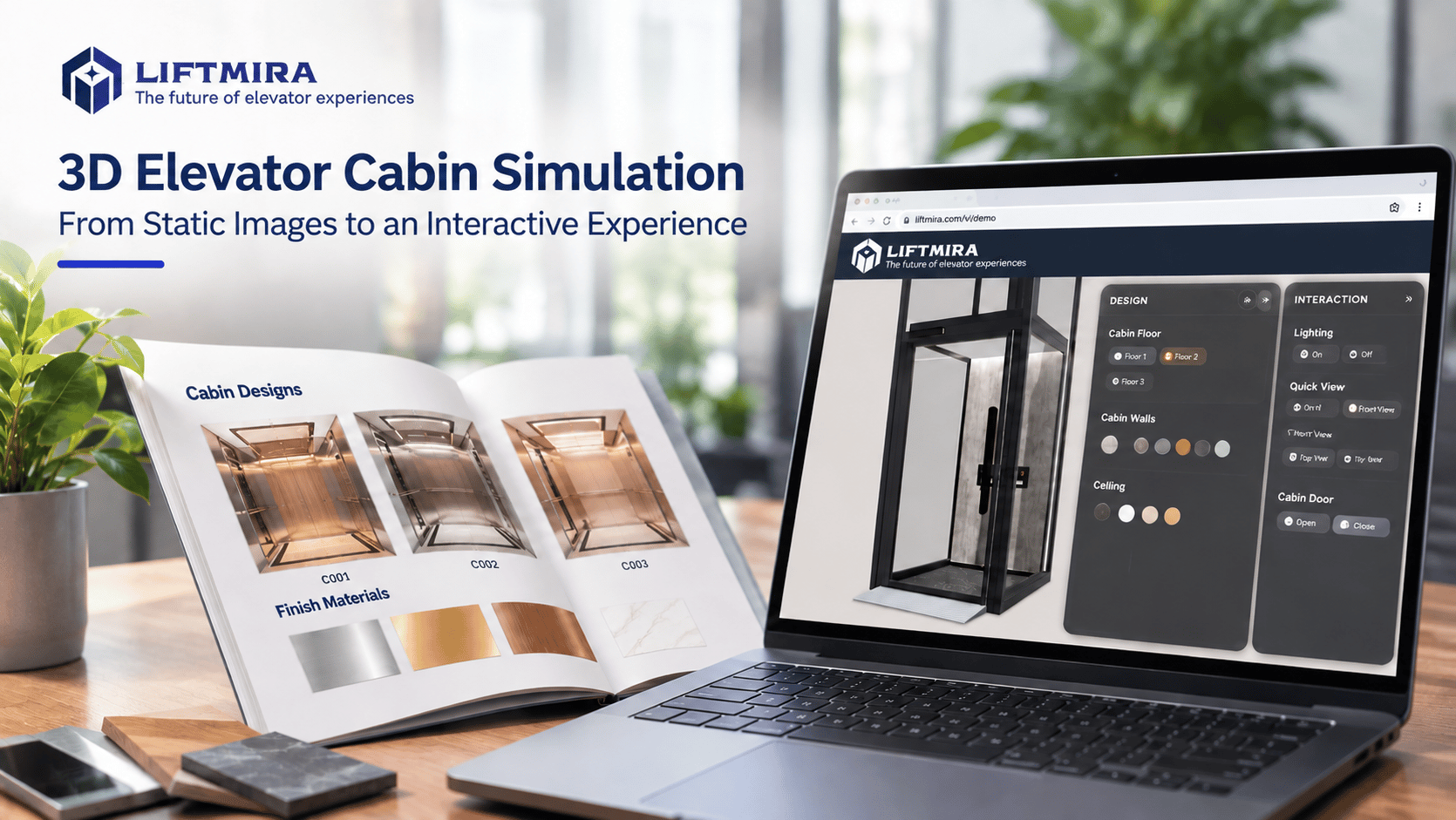
What Is 3D Elevator Cabin Simulation?
When choosing an elevator, customers consider not only technical specifications but also the design and experience of the cabin interior.
However, an elevator cabin is an enclosed space made up of many different elements. Viewing individual material samples or design images may not help viewers picture the product’s overall appearance.
3D elevator cabin simulation uses a three-dimensional model to recreate the cabin’s shape, space, and components in a digital environment.
Depending on the technology and intended use, a model may be presented as a 3D image, a simulation video, or an interactive model that users can explore themselves.
Why Are 2D Images Sometimes Not Enough to Present an Elevator Cabin?
-
**Difficult to picture the overall space: **A cabin can be presented through several separate images: the walls, ceiling, floor, or material sample boards.
Customers still have to combine that information in their imagination to picture a complete cabin.
-
**Difficult to assess how materials work together: **A color or material viewed on its own may give a different impression from when it is placed alongside other elements.
For example, cabin wall colors need to be considered alongside the floor color, ceiling design, and lighting to create a harmonious overall look.
-
**Limitations when comparing multiple options: **When a business presents several design options, customers may need to view many images or compare different sample boards.
Comparison is easier when users can see changes on the same cabin model.
Types of 3D Elevator Cabin Simulation
1. 3D-rendered images
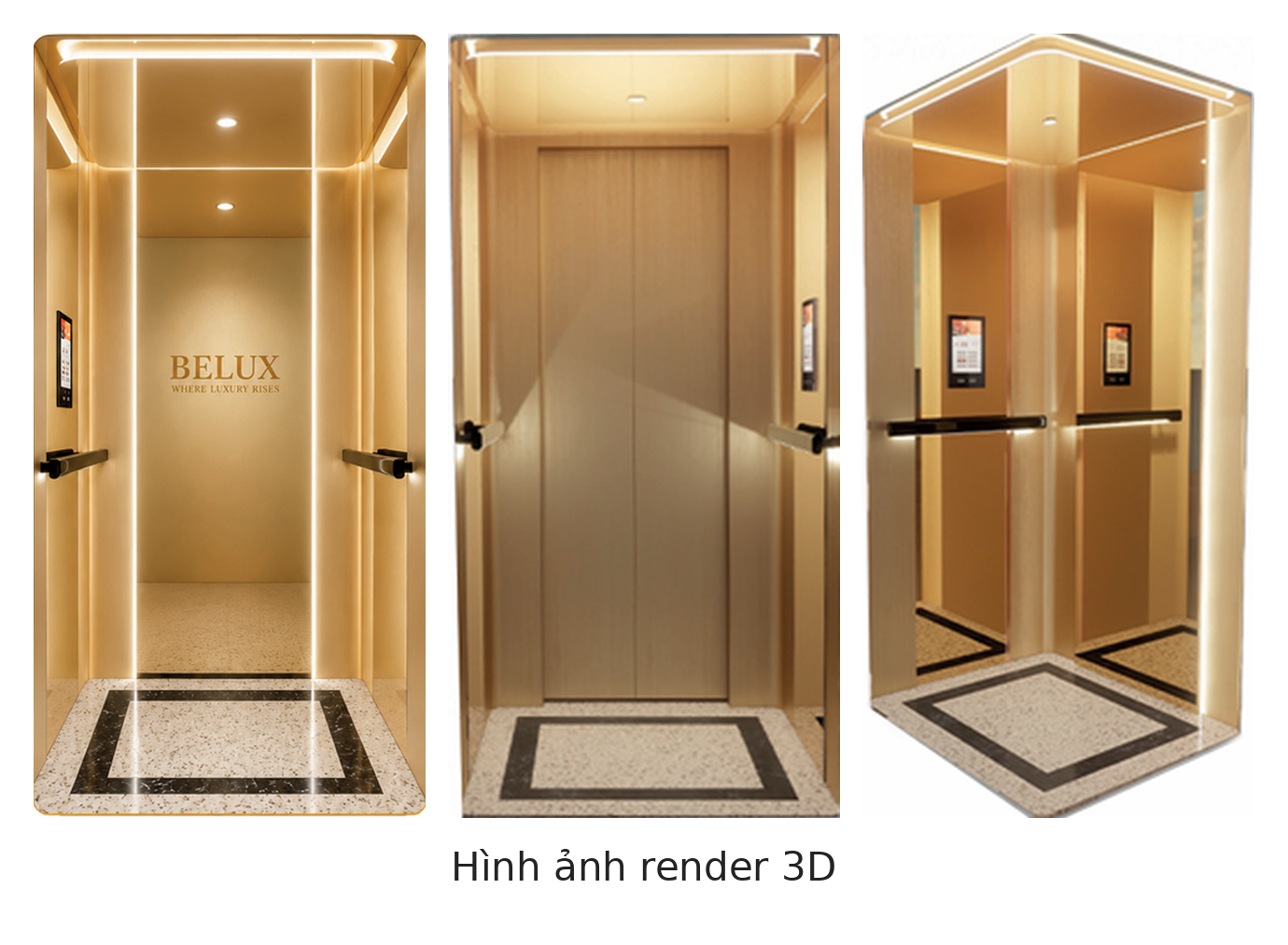
This format uses a three-dimensional model to create product images from one or more viewing angles.
Rendered images present the design visually and work well in catalogs, brochures, websites, and product materials.
However, viewers can generally see only the angles prepared in advance.
2. 3D simulation videos
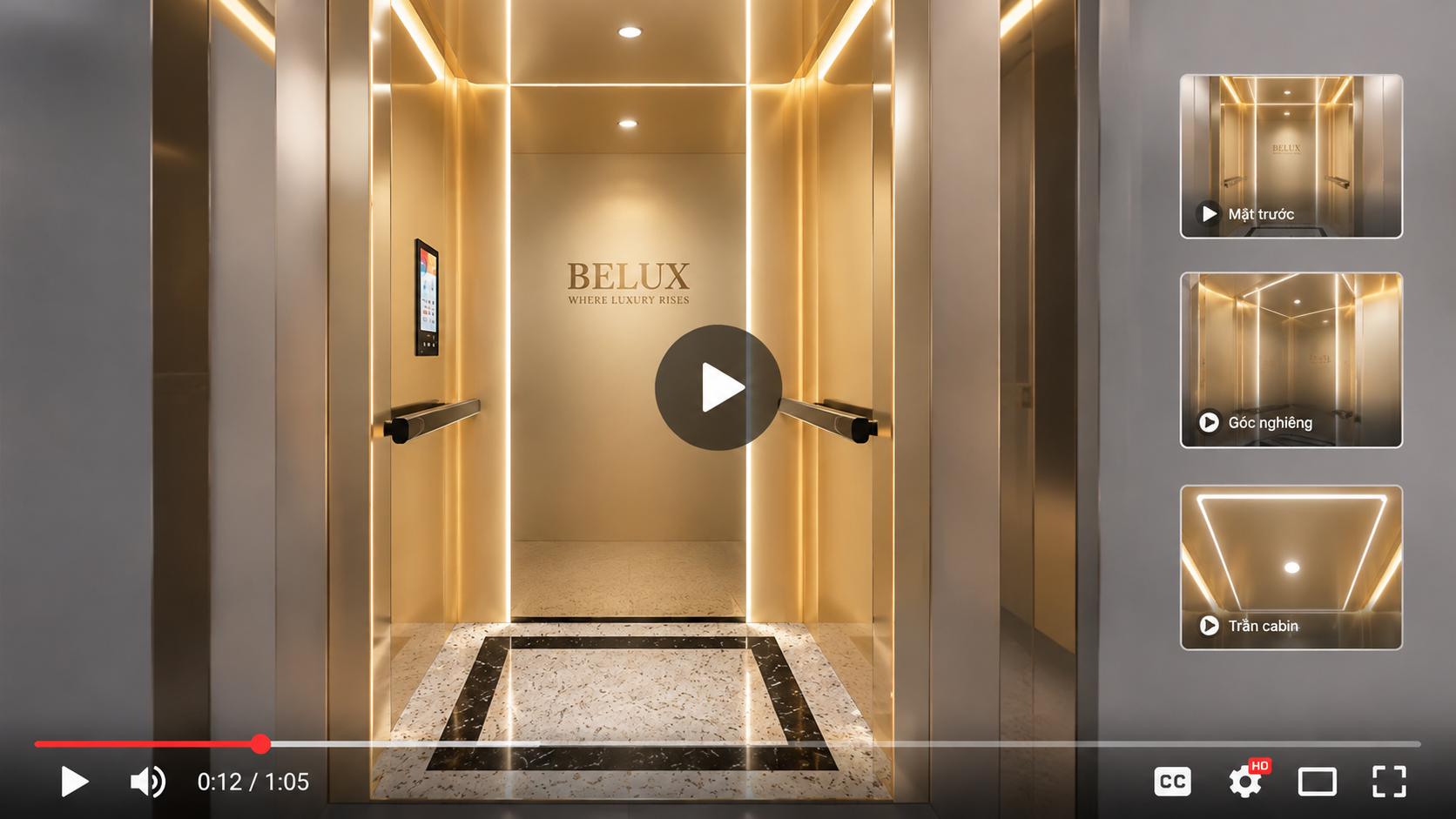
A video can show the cabin from different angles, depict the space, and introduce design details in a set sequence.
This format is suitable for communications content and product introduction videos.
One limitation is that viewers cannot control the viewing angle or choose design options while watching.
3. Interactive 3D models
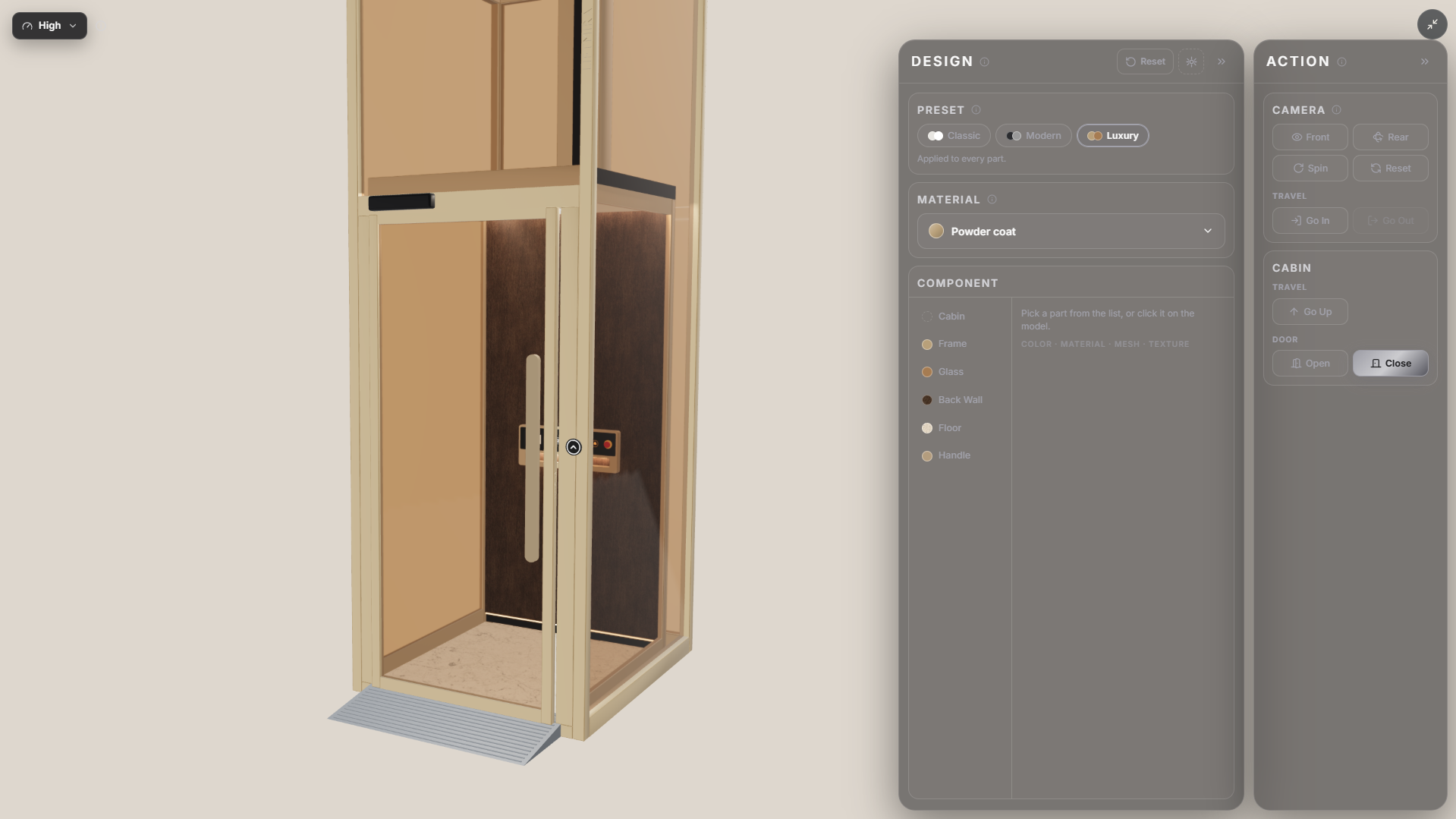
This format lets users interact directly with the model through an online interface.
Depending on the features included, users can rotate the model, zoom in, view details, and change certain cabin attributes.
Instead of only receiving preset images, viewers take an active role in exploring the product.
Applications of 3D Simulation in the Elevator Business
- **Presenting products online: **Businesses can add a 3D model to their websites to provide a more visual experience and let customers explore cabin designs while researching the product.
- **Supporting cabin design consultations: **During a discussion, sales representatives can use a 3D model to illustrate color, material, and design choices from the available options.
- **Presenting multiple product options: **Changing model attributes helps customers see the differences between options without relying only on separate images.
- **Making presentation materials more visual: **A 3D model can also provide images and illustrative content for communications, product introductions, and business solution presentations.
Liftmira: Explore Interactive 3D Elevator Cabin Models Online
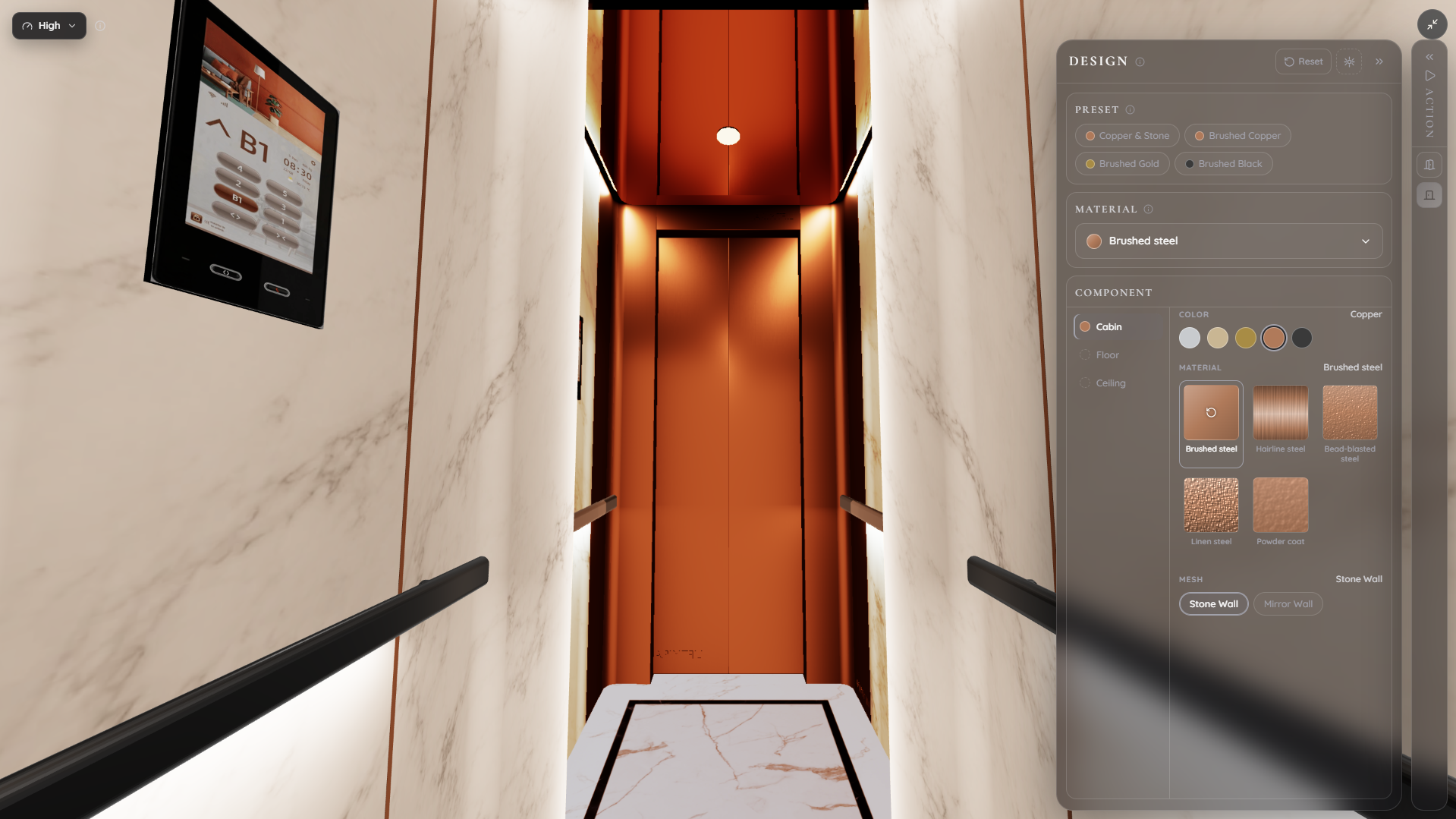
**Liftmira **brings 3D elevator cabin models to business websites, letting users explore products for themselves instead of viewing only static images.
Through the interactive interface, users can:
-
Rotate the cabin model to view it from different directions.
-
Zoom in to see details.
-
Experience entering and exiting the cabin.
-
Change supported design options such as walls, glass, ceiling, flooring, handrails, and more.
-
View color and material combinations configured for the model.
The solution is intended to help businesses present products more visually online while providing an additional tool for customer consultations.
**Liftmira **differs in its intended application: it does not focus on creating technical drawings or performing structural calculations, but on helping users explore and view elevator cabins.
Which Type of 3D Simulation Should You Choose?
The choice depends on the intended use:
| Need | Suitable format |
|---|---|
| Create attractive images for a catalog | 3D-rendered images |
| Introduce a product through video | 3D simulation video |
| Let customers explore the cabin themselves | Interactive 3D model |
| Present and change cabin options online | Interactive 3D model with customization features |
Businesses can also combine several formats to serve different communication and consultation purposes.
Conclusion
3D elevator cabin simulation turns information about design and materials into more visual presentations. When developed as an interactive model, the technology also lets customers explore and compare product options themselves.
For elevator businesses looking for a way to present cabins on their websites, **Liftmira **is a solution they can experience directly.
**Explore the interactive 3D model: **https://liftmira.com/en/demo
Liftmira Engineering The Liftmira Engineering team builds and maintains the platform, SDKs, APIs, and infrastructure that power immersive 3D commerce experiences. We publish technical guides, integration tutorials, architecture deep dives, and product updates for developers.